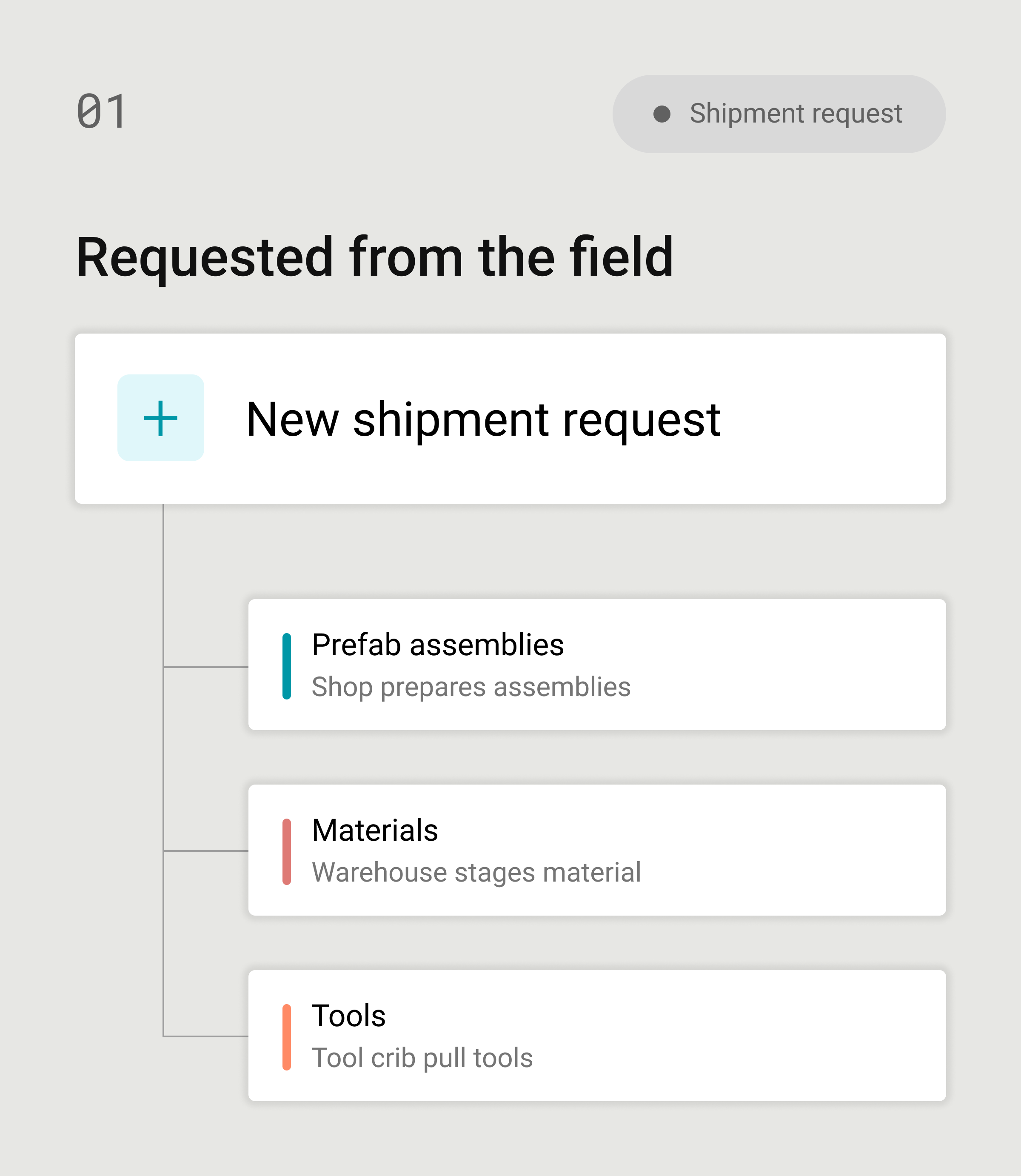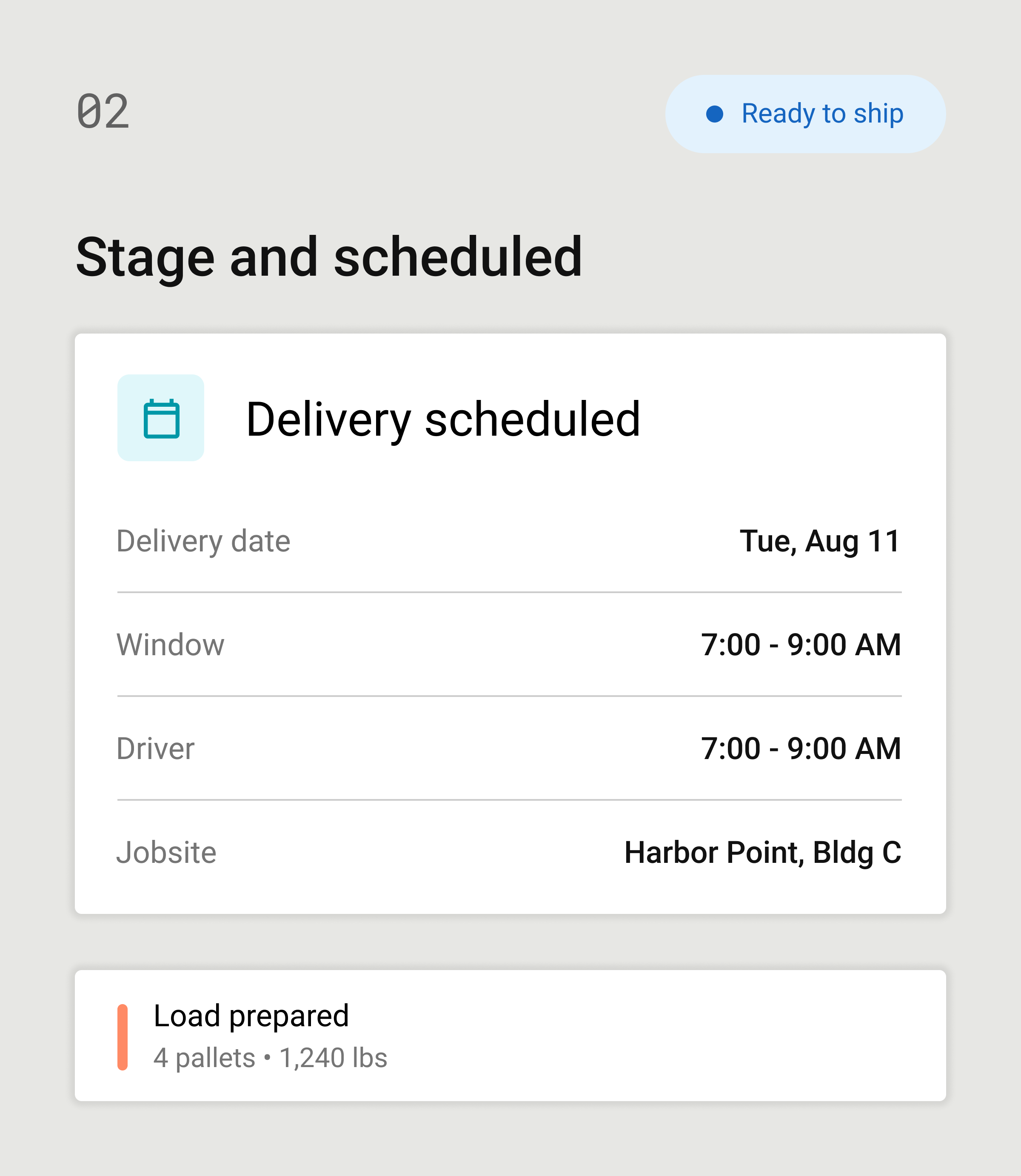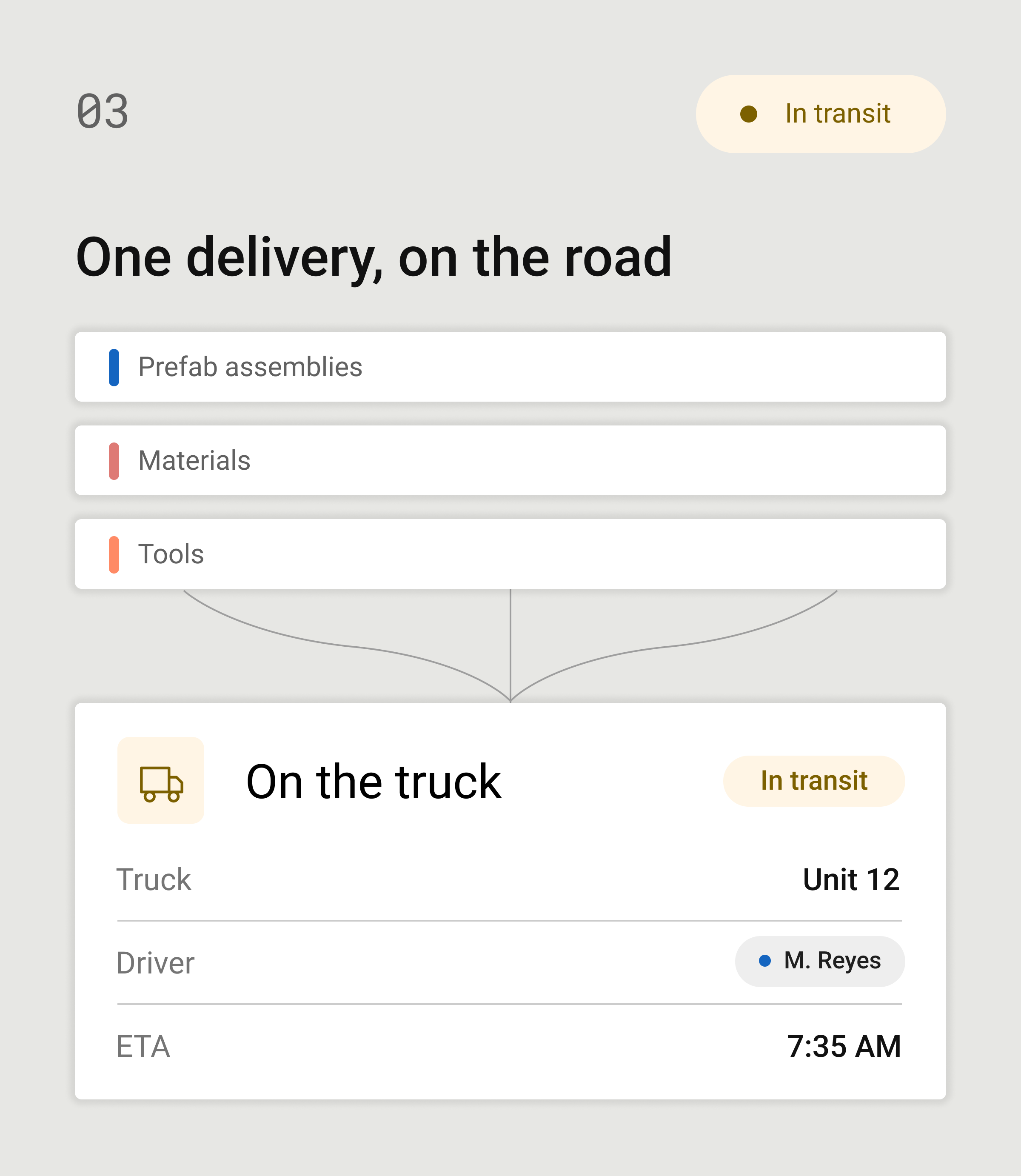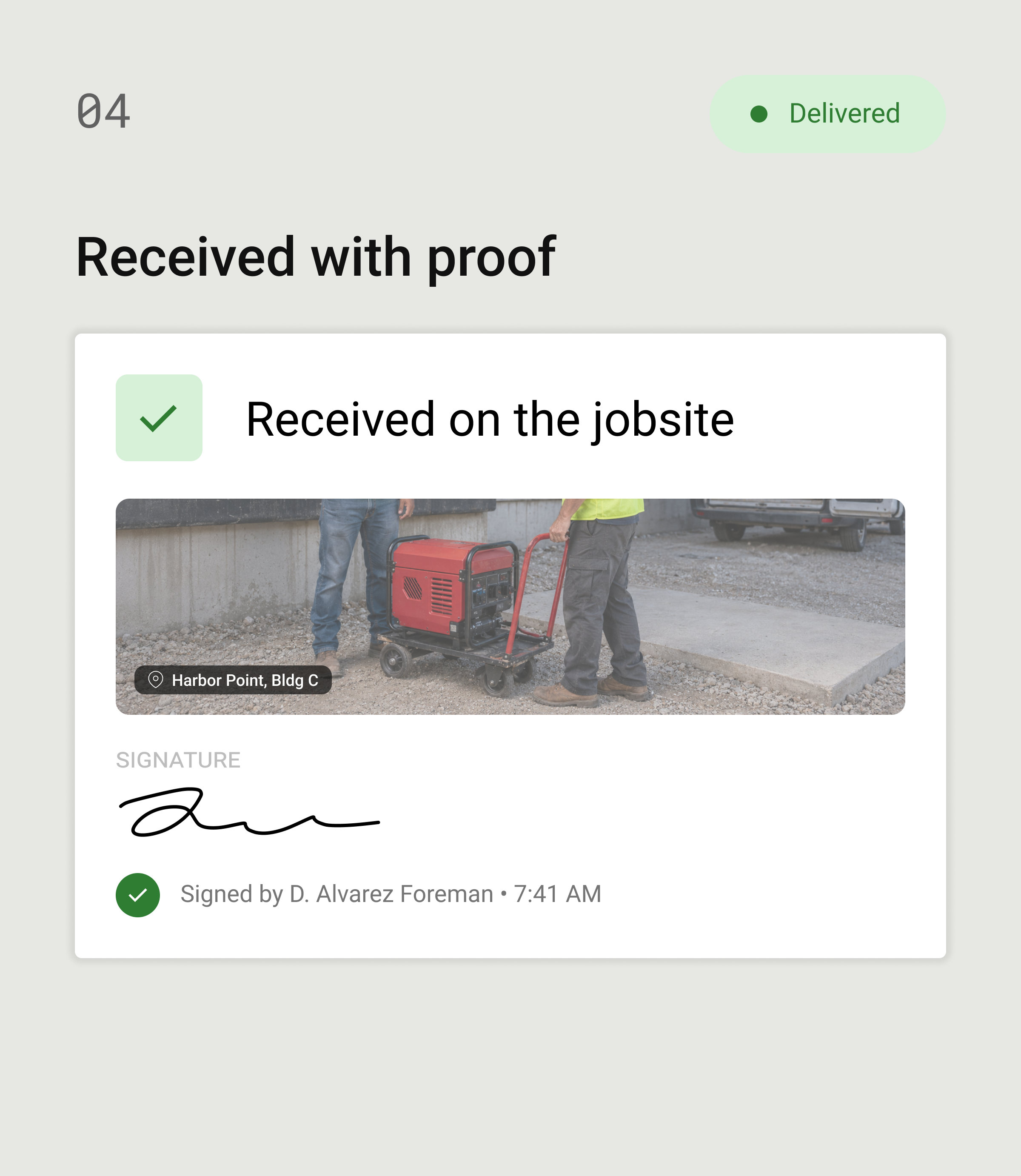




DELIVERY MANAGEMENT
Track every shipment from the shop and warehouse to the jobsite, right inside Remarcable. See where it is, prove who signed for it, and get the right material to the crew the first time. Nothing goes missing, and your field crew keeps working.

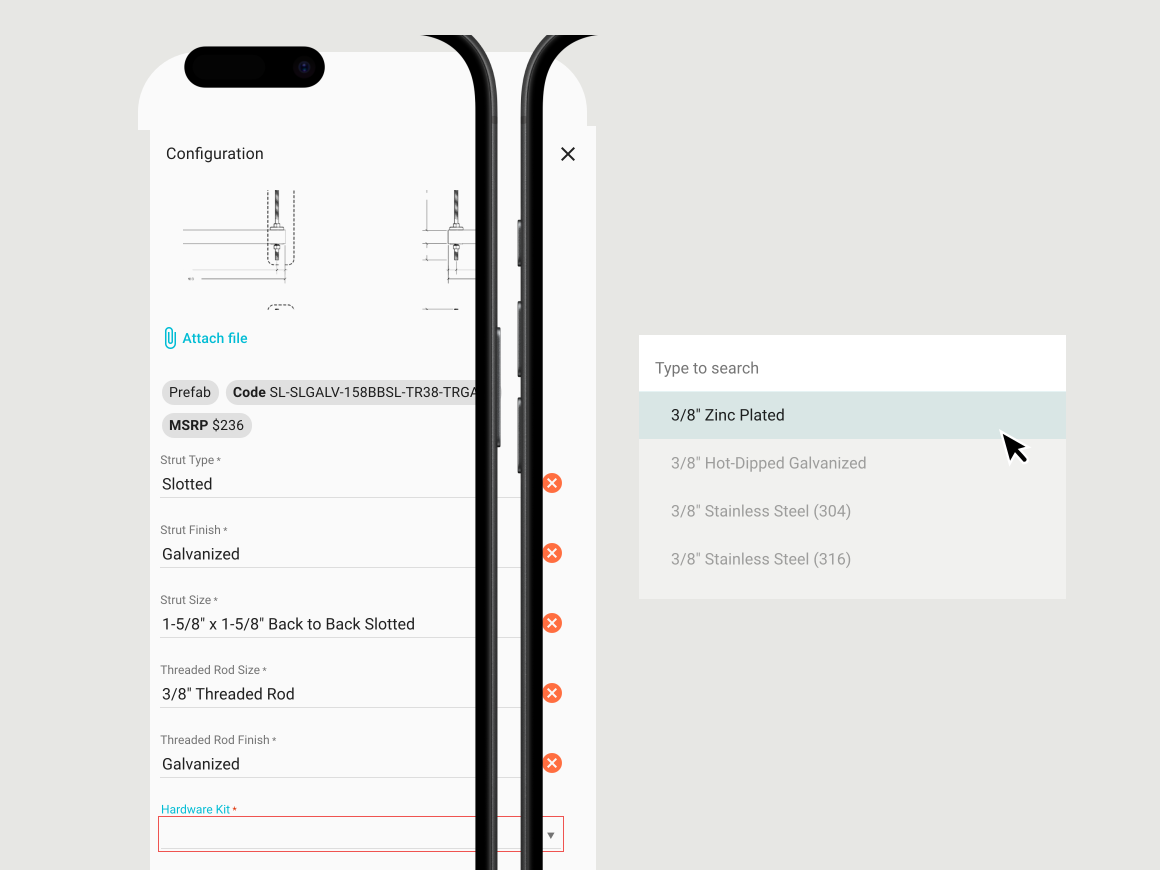
CONNECTED WORKFLOWS
STATUS YOU CAN SEE
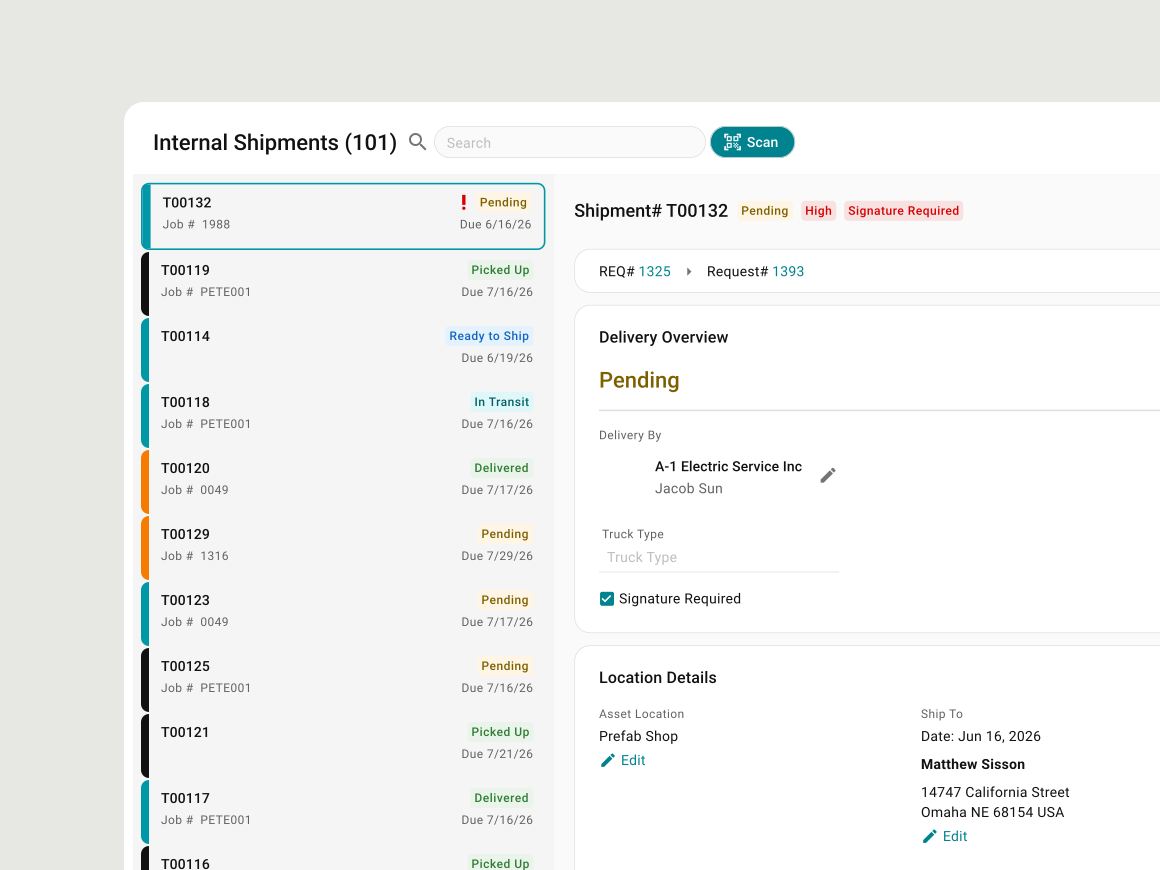
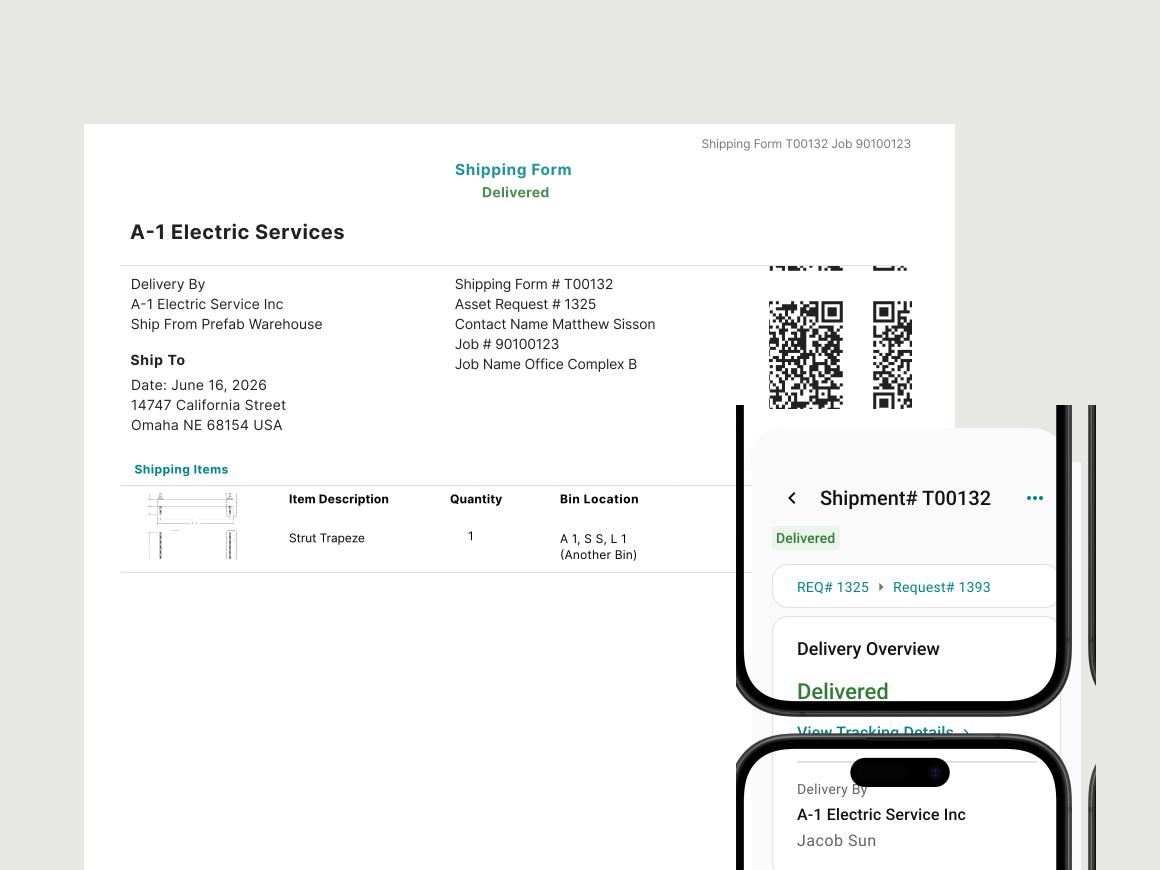
BUILT FOR THE FIELD
Adam Rojas, Tool Crib Manager
Taft Electric
LABEL AND SCAN
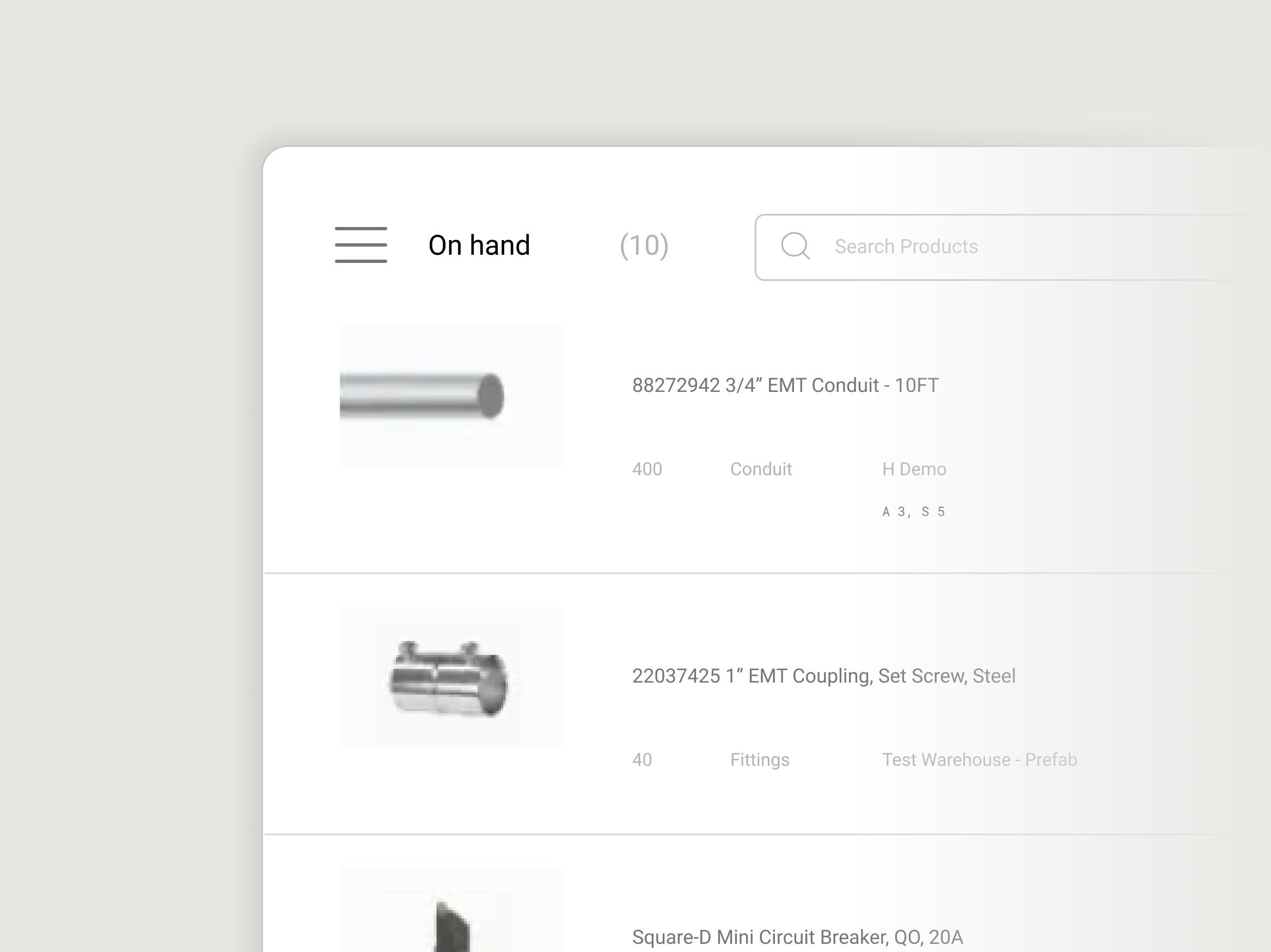
Delivery Management is integrated with Brady printers, so you can quickly print labels in the warehouse, and scan from any device in the field.

.png)
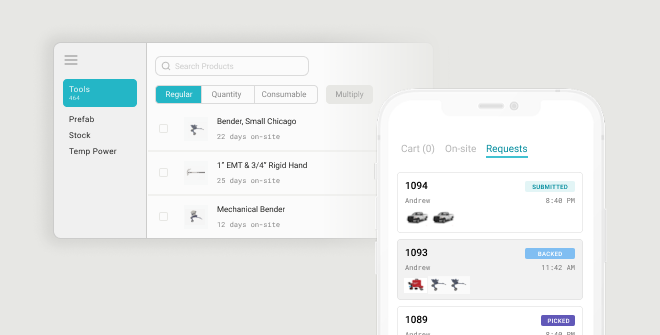
Track material, assemblies, and tools to the moment a hand on site signs for it.

Material orders disappear into a black hole between ordering and delivery.
.png)
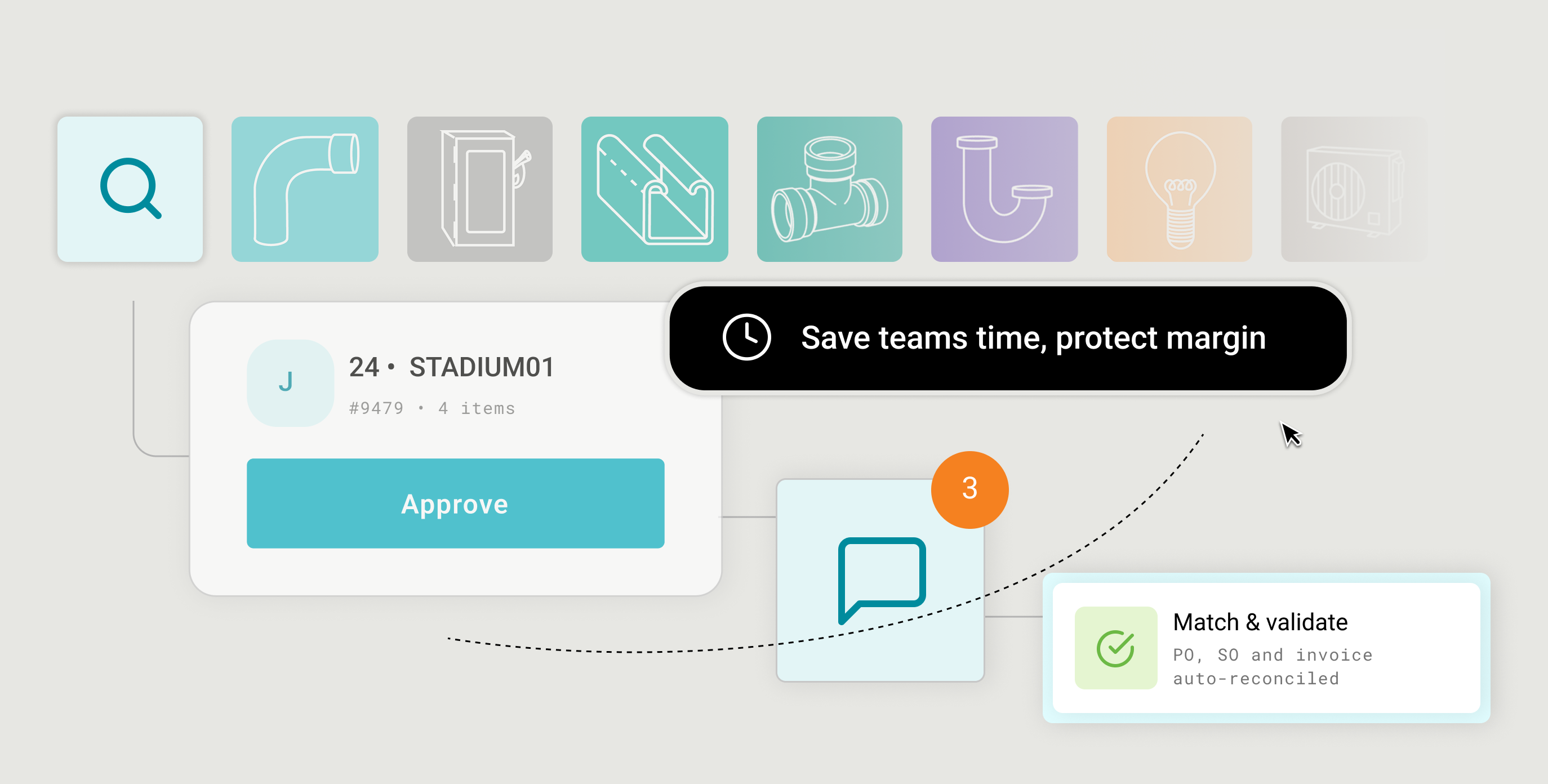
The journey from submitted PO to delivered material passes through four stages where visibility can fail.
Remarcable Delivery Management tracks the material and tools from a contractors warehouse, shop, or yard to the jobsite, and records who signed for it on arrival. It works inside the Remarcable platform integrating with Inventory Management, Tool Management, and Prefabrication, so the field, the warehouse, and the office read the same shipment status. The promise is simple: know where it is, and who signed for it.
It's built for electrical, mechanical, and plumbing contractors who move their own material and tools from a central warehouse, shop, or yard out to multiple jobsites. Because it's an add-on to Remarcable, the best fit is a contractor already running procurement, inventory, or tools on the platform. Taft Electric is one: they replaced a self-built system and increased first-time shipping request accuracy by 160%.
Delivery Management is an add-on to Remarcable Procurement or Remarcable Tool Management, not a standalone app. Because it builds on the orders, inventory, prefab assemblies, and tools you already run in Remarcable, every shipment traces back to the original request with nothing keyed in twice. That also means no separate tracking login, and no separate bill for the field to ignore.
The difference is that the delivery record lives next to the order and inventory it came from, instead of in a spreadsheet or a separate app the office pays for and the field skips. A home-grown whiteboard breaks when the person who built it leaves, and a point tool adds a login without connecting to what was ordered. Remarcable keeps the request, the live status, the photos, and the sign-off in one place, which is how Taft saved their shop and warehouse teams 104 hours annually.
Construction delivery management software tracks material and tools from a contractor's warehouse, shop, or yard to the jobsite, showing where every shipment is and who received it. It replaces packing slips, spreadsheets, and status phone calls with one live record. Remarcable's version is built for the material a contractor already owns and moves to the field.
Proof of delivery in construction is the record that shows a shipment actually reached the jobsite, in what condition, and who signed for it. A paper slip or a text won't hold up, because it goes missing and names no one. Remarcable captures photo proof at three points, the pull, the truck, and the jobsite, plus a named sign-off, all attached to the shipment.
You track a jobsite delivery by following one shipment record from the warehouse to the field, with a live status the office, the warehouse, and the crew all read from the same screen. Each shipment moves through ready to ship, in transit, and delivered, and it's built from the field's request, so what ships is what was asked for. That turns "did it ship yet?" from a phone call into a glance.
The person receiving confirms it on a phone at the jobsite: scan the label, note anything short, add a photo, and sign. That one tap names who received the material and time-stamps it on the shipment, so accountability is built in. Because it fits how the field already works, a new hire receives a delivery the same as a veteran, no training day required.