Excel vs. Procurement Software: When Contractors Make the Switch
Excel works until it doesn't. Here are the signs spreadsheet procurement is breaking down and what changes when you switch.
The construction management software market is projected to reach $16.6 billion by 2030, growing at nearly 10% annually. That growth is driven by contractors moving away from fragmented tools and spreadsheets toward unified platforms.
Yet spreadsheets remain the default for most contractors starting out. They're free, familiar, and flexible enough to handle the basics. The question isn't whether Excel works. It does. The question is when it stops working.
Why contractors start with spreadsheet procurement
Every material tracking system starts the same way: someone creates a spreadsheet with columns for job name, material, quantity, supplier, price, and status. It works.
"Traditionally, we would export out of our estimating system into an Excel spreadsheet and then email that out to our suppliers," described a team member at Guarantee Electric.
The spreadsheet approach has real advantages:
Zero cost to start. No software purchase, no subscription, no implementation project. Open Excel, build a template, start tracking.
Complete flexibility. Need a new column? Add it. Need a different calculation? Write a formula. The spreadsheet bends to fit whatever workflow exists.
Universal familiarity. Everyone knows how to use Excel. No training required. No adoption curve to manage.
Good enough for simple operations. A contractor running three jobs with one purchasing coordinator can absolutely make spreadsheets work. Many do, for years.
The spreadsheet isn't the problem. The problem is what happens when the business grows faster than the spreadsheet can handle.
Five signs spreadsheet procurement is breaking down
The breaking points follow predictable patterns. Contractors who've made the switch describe the same scenarios.
Multiple people editing the same material tracking sheet
The master spreadsheet lives on a shared drive where three people need to update it simultaneously. Someone saves while someone else is editing, changes get overwritten, and nobody knows which version is current.
"When somebody would ask, how much is this job using or how much is the other job using? It was hard to pin that down," explained a team member at Paynecrest Electric.
The spreadsheet that worked for one person becomes a liability when the team grows.
Needing real-time inventory visibility
A project manager asks what's in the warehouse. The answer requires checking a spreadsheet that was updated yesterday, or maybe last week. The foreman on site needs to know if a part is available before they drive to pick it up, but spreadsheets only show what was true when someone last updated them, not what's true right now.
Invoice and PO mismatches with no clear trail
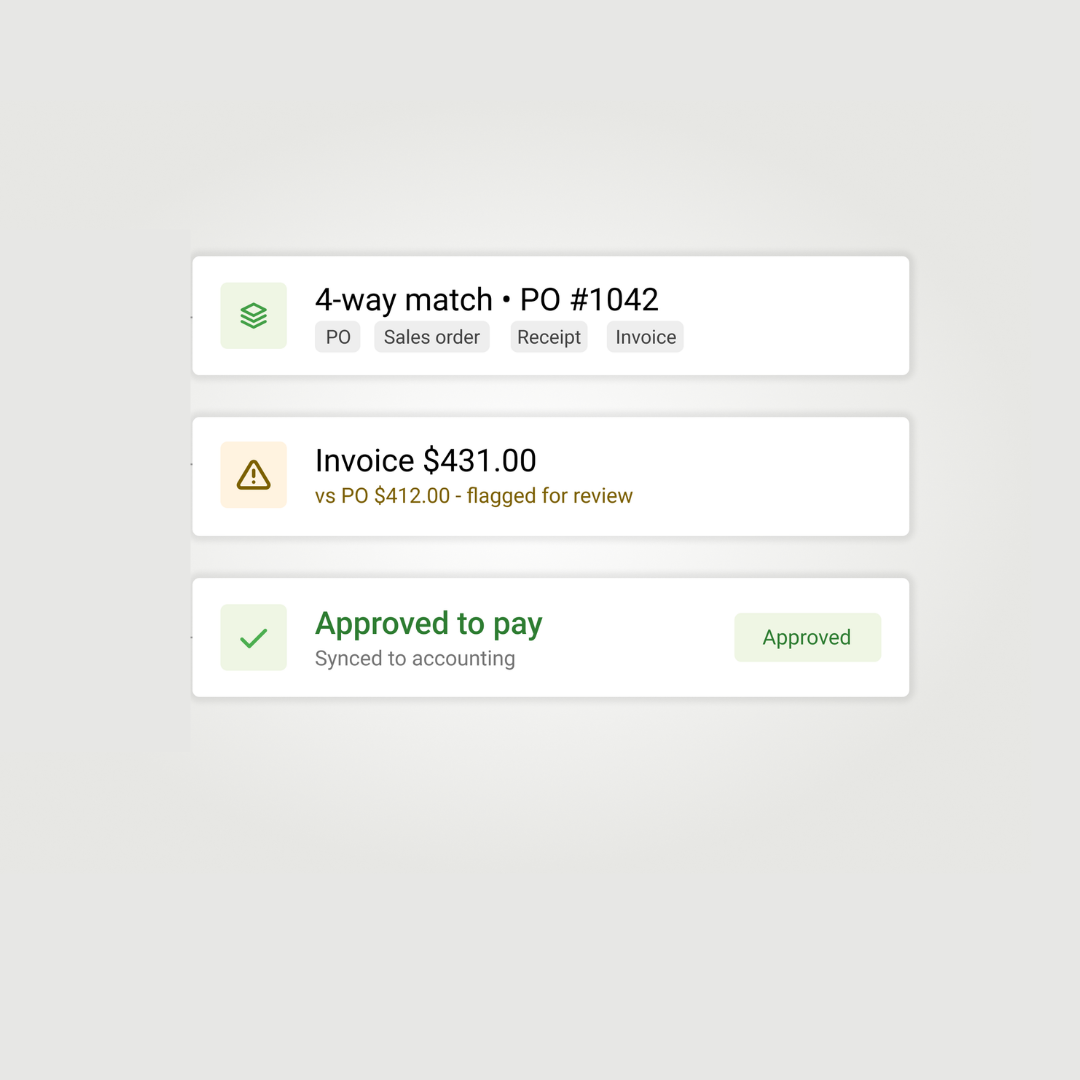
The invoice says one price while the PO shows another, and the original quote is buried in someone's email somewhere. Reconciling the difference requires digging through files, calling the supplier, and hoping someone documented the conversation where the price changed.
Without systematic tracking, these discrepancies either get absorbed into margins or require hours of detective work to resolve.
A key person leaving with all the knowledge
The purchasing coordinator who built the spreadsheet system knows where everything is: which suppliers to call for what, the naming conventions, the workarounds, the cells that have to be updated in a specific order. When that person leaves, the system doesn't survive the transition, and the next person inherits a spreadsheet full of tribal knowledge they can't decode.
Training new hires taking weeks instead of hours
"It's so much easier to train the next generation now," described a supervisor at Collins Electrical. "Instead of spending weeks teaching someone our old spreadsheet system, I can show them Remarcable's interface in an afternoon."
Complex spreadsheet systems require extensive training because the logic isn't obvious. Every workaround, every conditional format, every hidden formula needs explanation.
The hidden costs of spreadsheet-based material tracking
The spreadsheet itself is free. The labor to maintain it is not.
Collins Electrical measured their procurement cycle time: 2-3 hours per transaction using their old system. After switching to procurement software, that dropped to 10 minutes.
The math compounds. A contractor processing 50 transactions per week spending 2 hours each loses 100 hours weekly to procurement administration. At 10 minutes each, that's 8 hours. The difference is more than two full-time employees worth of capacity.
What procurement software actually changes
The shift from spreadsheets to software isn't about features. It's about how information flows.
"Now I can just go onto the computer, do all the jobs at one time with a couple clicks, and then I am finished with all that," described a team member at Guarantee Electric. "Instead of making several different phone calls."
The operational shift is visibility. Everyone sees the same information. The foreman knows what's ordered. Purchasing knows what's delivered. Accounting knows what's invoiced. The spreadsheet that one person updated becomes a system that updates itself.
Why contractors hesitate to switch from Excel
The decision to move from spreadsheets to software involves real friction.
Migration effort. Years of data, templates, and workflows live in those spreadsheets. Moving to a new system means rebuilding, not just switching.
Change management. People know the current system. They've built habits around it. Software that's objectively better still requires everyone to learn something new.
Cost visibility. Spreadsheets appear free. Software has a price tag. The hidden costs of spreadsheet maintenance don't show up on a budget line.
"Good enough" inertia. If the current system mostly works, the pain of switching can feel greater than the pain of staying.
These hesitations are rational. The contractors who switch typically reach a threshold where the spreadsheet limitations become more expensive than the transition costs.
When contractors typically make the switch
The trigger is usually growth. A contractor at $5 million in revenue with two jobs running can manage spreadsheets. The same contractor at $20 million with eight jobs running cannot.
Other common triggers:
A costly error. Materials ordered twice for the same job. An invoice paid at the wrong price. A delivery that went to the wrong site because the spreadsheet had outdated addresses.
Key person departure. The coordinator who held the system together leaves. The replacement can't figure out how anything works.
Customer requirements. Larger general contractors and owners increasingly expect digital documentation. Spreadsheets attached to emails don't meet the standard.
Scaling pressure. The business could take on more work, but the back office can't keep up with the current volume.
Procurement software adoption in the field
The concern about field adoption is common: foremen and crews have been doing things one way for years, so will they actually use new software?
"Rolling out software for the guys in the field is a big deal," acknowledged a manager at Guarantee Electric. "It's usually a challenge if they have to learn something new."
The experience with procurement platforms designed for construction tells a different story. "If you can use Amazon, you can use Remarcable," summarized a contractor at Paynecrest Electric.
Field workers already order things online every day through their personal Amazon accounts, Instacart deliveries, and DoorDash orders. The interface pattern is familiar, so software that mirrors consumer ordering experiences doesn't require training; it requires permission.
The visual catalog matters here. A foreman browsing images to find a part isn't learning a new system; they're shopping the way they already know how to shop. The translation problem that makes spreadsheets difficult disappears when the interface shows pictures instead of part numbers.
Making the decision to switch from spreadsheets
The contractors who move from spreadsheets to procurement software describe the same realization: they were succeeding despite their systems, not because of them.
The spreadsheet that worked at one scale becomes a constraint at the next, the flexibility that made it attractive becomes fragility when multiple people depend on it, and the zero cost becomes hidden cost when the time to maintain it exceeds the subscription price of software that maintains itself.
"Remarcable makes us a better company," concluded the team at Guarantee Electric.
The spreadsheet isn't the enemy; it's where every contractor starts. The question is recognizing when it's time to move on.
Electrical contractors evaluating the switch from spreadsheets can request a demo to see how procurement software handles material tracking, ordering, and visibility.
Connected purchasing and material operations for MEP contractors
See how contractors run procurement with Remarcable
Request a demo and we'll walk through exactly how it fits your team's workflow.